Course Description
Digital Skills Computer Institute – Master Excel (Basic to Advanced)
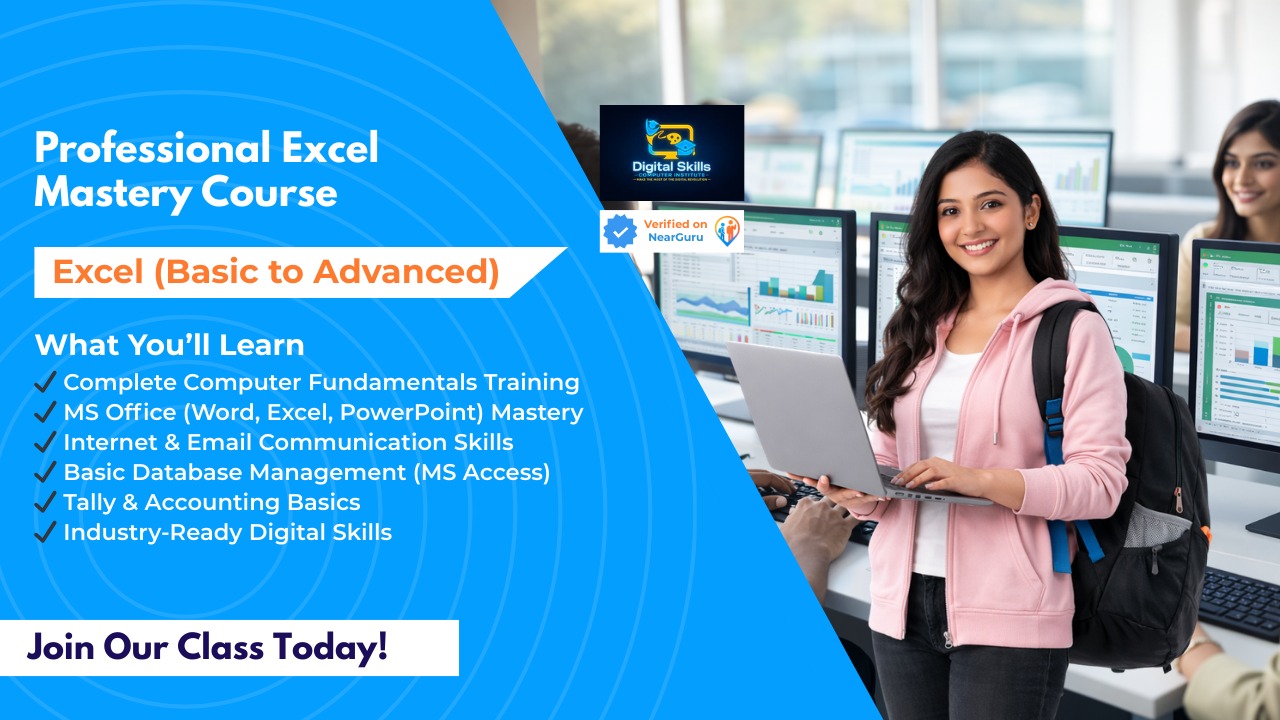
Become an Excel expert with our comprehensive Master Excel Course. Designed for beginners to advanced learners, this course teaches you everything from basic spreadsheet operations to advanced data analysis, automation, and business reporting.
Course Overview
Microsoft Excel is a powerful tool used in business, finance, data analysis, accounting, and reporting. This course equips students with practical skills to manage data efficiently, create professional reports, and automate tasks using Excel’s advanced features.
Who Can Join:
Students seeking proficiency in Excel for academics or internships
Professionals aiming to enhance workplace productivity
Entrepreneurs and freelancers needing data management skills
Why Choose Digital Skills Computer Institute?
Expert Trainers: Learn from certified professionals with real-world experience.
Hands-On Learning: Work on real-life projects, case studies, and exercises.
Career-Oriented Curriculum: Learn skills highly demanded in business, finance, and data analysis roles.
Flexible Learning: From basic formulas to advanced analytics and automation.
Job & Career Support: Guidance for roles like data analyst, accountant, or office executive.
Course Modules: Basic to Advanced Excel
Module 1: Excel Basics
Introduction to Excel interface and navigation
Creating, saving, and managing workbooks
Basic data entry, formatting, and cell management
Understanding rows, columns, and ranges
Module 2: Formulas & Functions (Intermediate)
Basic formulas: SUM, AVERAGE, MIN, MAX
Text functions: CONCATENATE, LEFT, RIGHT, MID
Logical functions: IF, AND, OR
Lookup functions: VLOOKUP, HLOOKUP
Module 3: Data Management & Formatting
Sorting, filtering, and conditional formatting
Tables and structured data management
Data validation and protection
Named ranges and references
Module 4: Charts & Data Visualization
Creating charts: Column, Bar, Pie, Line, and Combo charts
Formatting and customizing charts
Using PivotTables and PivotCharts for dynamic reports
Module 5: Advanced Excel Features
Advanced formulas: INDEX, MATCH, OFFSET
Nested formulas and array formulas
Advanced PivotTable techniques
Conditional formatting with formulas
Module 6: Data Analysis & Business Applications
Scenario analysis: Goal Seek, What-If Analysis, Data Tables
Using Excel for financial modeling and reporting
Dashboard creation for business insights
Introduction to Power Query and Power Pivot
Module 7: Automation & Macros (Optional Advanced Module)
Recording and running macros
Automating repetitive tasks
Introduction to VBA for beginners
Module 8: Projects & Practical Exercises
Real-world business and finance projects
Data analysis, reporting, and visualization assignments
Case studies and problem-solving exercises
Skills You Will Gain
Proficiency in Excel from basic to advanced levels
Data entry, management, and analysis skills
Financial, business, and statistical reporting
Dashboard creation and data visualization
Automation using macros and basic VBA
Career Opportunities After Master Excel
Data Analyst / Business Analyst
Accounts Executive / Finance Executive
Office Administrator / Excel Specialist
Reporting and MIS roles in corporate sectors
Freelancing opportunities in data handling and reporting
✅ Conclusion:
The Master Excel Course (Basic to Advanced) at Digital Skills Computer Institute ensures students become proficient in Excel, able to manage, analyze, and visualize data professionally. With hands-on projects and expert guidance, students gain job-ready skills for corporate and freelance opportunities.
₹4,500
Course Includes
- Video Lectures
- Study Materials
- Practice Exercises
- Completion Certificate
- 2 months Access
Coaching Center

Digital Skills Computer Institute
Char bhuja market opposite bapu bazar...