Course Description
Digital Skills Computer Institute – ADCA (Advanced Diploma in Computer Applications)
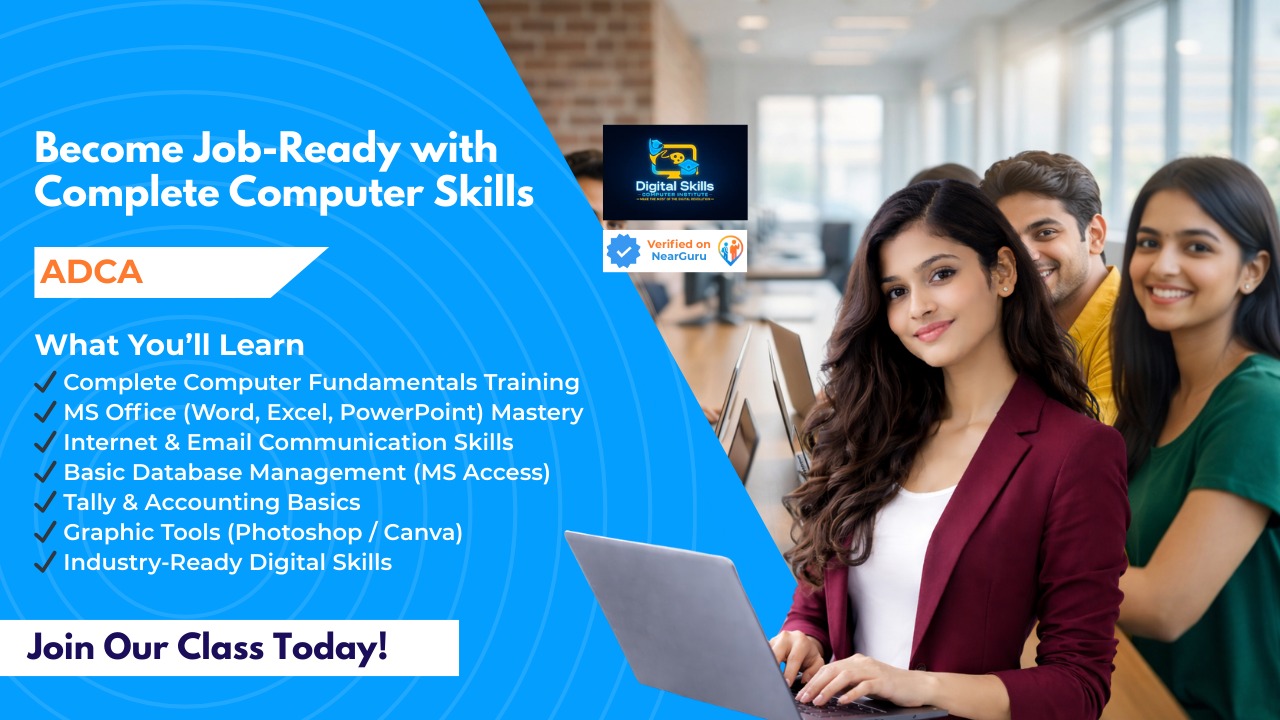
Master essential computer skills with our ADCA course, designed for beginners and professionals who want to gain a strong foundation in computer applications, office productivity, and software tools used in businesses today. This course equips students with practical, industry-relevant skills for professional and academic success.
Course Overview
The ADCA course provides comprehensive training in computer fundamentals, office applications, internet and web tools, and software applications. Students learn through hands-on projects, real-time exercises, and practical assignments.
Who Can Join:
Students preparing for professional careers in IT and office administration
Working professionals seeking computer skills enhancement
Anyone looking to become proficient in computer applications
Why Choose Digital Skills Computer Institute?
Expert Trainers: Learn from certified instructors with real-world experience.
Hands-On Training: Practical exercises, live projects, and software practice.
Flexible Learning: Covers basic to advanced computer applications for career readiness.
Career Support: Assistance with job placements and internships.
Industry-Relevant Curriculum: Learn tools and software commonly used in offices and businesses.
ADCA Course Modules (Basic to Advanced)
Module 1: Computer Fundamentals
Introduction to computers, hardware, and software
Operating systems: Windows, file management, and system utilities
Input/output devices and storage concepts
Module 2: MS Office Applications
MS Word: Document creation, formatting, tables, and mail merge
MS Excel: Spreadsheets, formulas, functions, charts, and data analysis
MS PowerPoint: Presentation creation, animation, and multimedia integration
Module 3: Internet & Email
Browsing techniques, search engines, and online research
Email creation, sending/receiving attachments, and email etiquette
Cloud storage and online collaboration tools
Module 4: Database Management (MS Access)
Database fundamentals and table creation
Queries, forms, and reports
Data management and simple applications
Module 5: Accounting & Tally Basics (Optional Module)
Introduction to Tally ERP/Prime
Basics of accounting, GST, and financial reports
Module 6: Multimedia & Graphic Tools
Basic photo editing using Photoshop or Canva
Introduction to digital graphics and presentations
Image, audio, and video editing basics
Module 7: Programming & Internet Applications (Optional Advanced Module)
Basics of programming logic and simple coding (Python or C++)
Web applications, online tools, and digital workflows
Module 8: Projects & Practical Assignments
Real-world projects using MS Office, Tally, and database tools
Reports, presentations, and data analysis tasks
Assessment based on hands-on exercises
Skills You Will Gain
Proficiency in MS Office applications and productivity tools
Basic database management and data handling
Internet and email communication skills
Basic accounting and business software knowledge
Digital content creation and multimedia handling
Problem-solving using computer applications
Career Opportunities After ADCA
Office Assistant / Data Entry Operator
Accounts Assistant / Tally Operator
Digital Marketing Executive (with additional skills)
Administrative and clerical roles in corporate or government offices
Freelancing opportunities in content creation and office productivity
✅ Conclusion:
The ADCA course from Digital Skills Computer Institute equips students with complete computer application knowledge, from basic office tools to advanced software applications. With hands-on training and practical projects, students become industry-ready and confident in managing computer-based tasks in professional environments
₹12,000
Course Includes
- Video Lectures
- Study Materials
- Practice Exercises
- Completion Certificate
- 1 year Access
Coaching Center

Digital Skills Computer Institute
Char bhuja market opposite bapu bazar...